








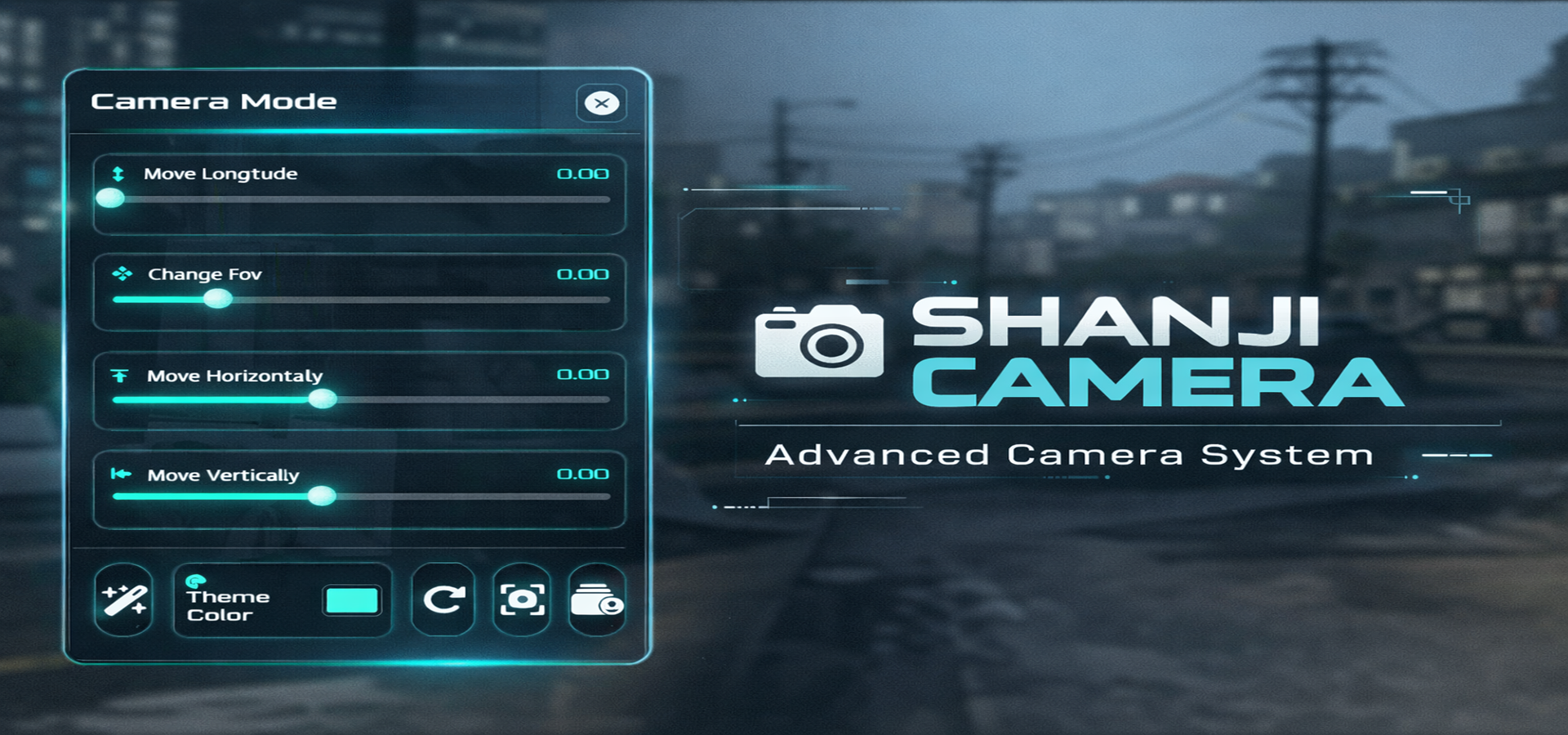
SHANJI CAMERA is a modern in-game camera system for FiveM, built for RP servers and content creators who want clean screenshots, smooth controls, and a stylish UI.
Players can open /cam to enter Camera Mode, adjust camera position and FOV using sliders, take screenshots, preview the result, copy the image link instantly, and save photos into an in-game gallery with custom names.
It also includes a UI Theme Color system, letting players freely change the UI accent color and keep their preferred theme.
🎥 Preview Video : https://youtu.be/e0rXfiHqiqo
• Command to open camera mode: /cam
• Smooth camera transition into photo mode
• Sliders for camera movement (X / Y / Z)
• FOV slider to adjust zoom / view
• Reset button to restore default camera movement
• Take screenshot from UI button (or shortcut)
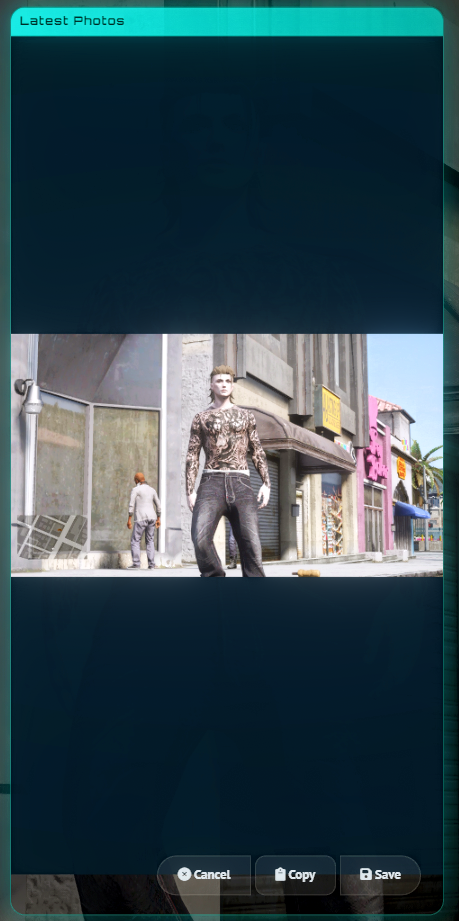
• Instant preview panel after capture
• Copy screenshot URL in one click
• Clean flashing effect + camera sound feedback
• Save screenshots into an in-game gallery
• Name your photo before saving
• Search bar to find photos quickly
• Select photos to preview, copy link, or delete
• Built-in Theme button + color picker
• Players can freely change UI accent color
• Theme color is saved (persistent)
• Matches your server branding or personal style
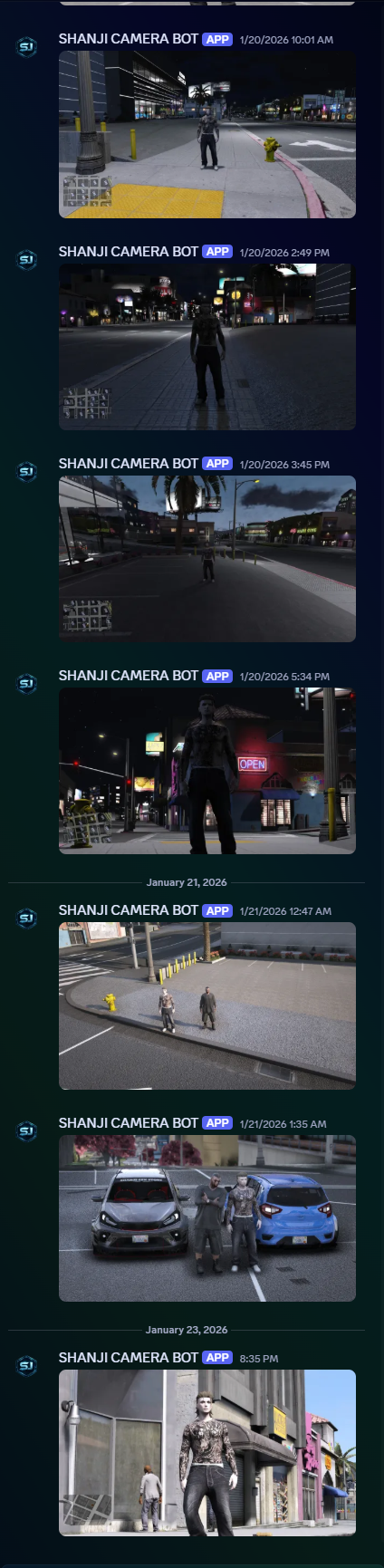
• Uses Discord webhook upload via screenshot-basic
• Returns a direct image link automatically for copy/save
• Great for sharing RP moments, evidence, or content creation
• Lightweight and optimized (client-focused)
• Clean, modern NUI design
• Easy-to-edit shared/config.lua
• Adjustable camera limits (X/Y/Z/FOV) and transition settings
• Webhook URL configurable in config
• screenshot-basic
• support ESX, QB, STANDALONE
If you need help, open a support ticket in our Discord: https://discord.gg/jwQGFjAX8b
This resource is available on Keymaster but IT IS NOT ENCRYPTED.


SHANJI CAMERA is a modern in-game camera system for FiveM, built for RP servers and content creators who want clean screenshots, smooth controls, and a stylish UI.
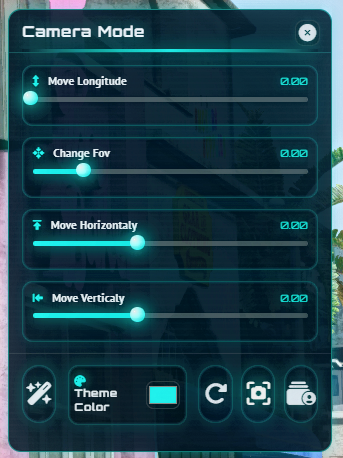
Players can open /cam to enter Camera Mode, adjust camera position and FOV using sliders, take screenshots, preview the result, copy the image link instantly, and save photos into an in-game gallery with custom names.
It also includes a UI Theme Color system, letting players freely change the UI accent color and keep their preferred theme.
🎥 Preview Video : https://youtu.be/e0rXfiHqiqo
• Command to open camera mode: /cam
• Smooth camera transition into photo mode
• Sliders for camera movement (X / Y / Z)
• FOV slider to adjust zoom / view
• Reset button to restore default camera movement
• Take screenshot from UI button (or shortcut)
• Instant preview panel after capture
• Copy screenshot URL in one click
• Clean flashing effect + camera sound feedback
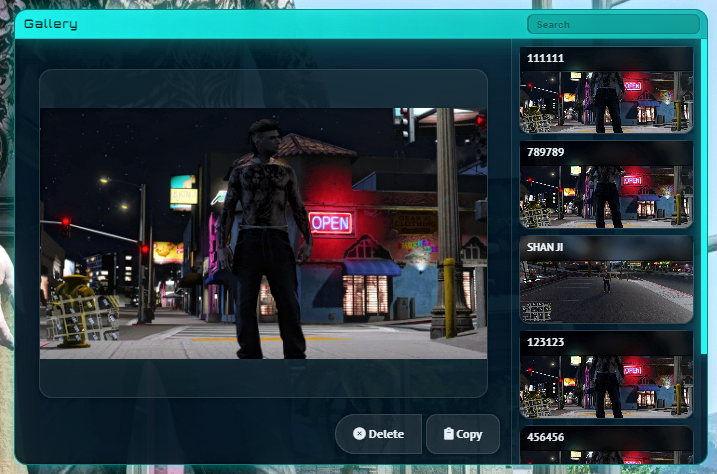
• Save screenshots into an in-game gallery
• Name your photo before saving
• Search bar to find photos quickly
• Select photos to preview, copy link, or delete
• Built-in Theme button + color picker
• Players can freely change UI accent color
• Theme color is saved (persistent)
• Matches your server branding or personal style
• Uses Discord webhook upload via screenshot-basic
• Returns a direct image link automatically for copy/save
• Great for sharing RP moments, evidence, or content creation
• Lightweight and optimized (client-focused)
• Clean, modern NUI design
• Easy-to-edit shared/config.lua
• Adjustable camera limits (X/Y/Z/FOV) and transition settings
• Webhook URL configurable in config
• screenshot-basic
• support ESX, QB, STANDALONE
If you need help, open a support ticket in our Discord: https://discord.gg/jwQGFjAX8b
This resource is available on Keymaster but IT IS NOT ENCRYPTED.
You have no favourites yet.
Loading purchases...
No purchases found for this period.